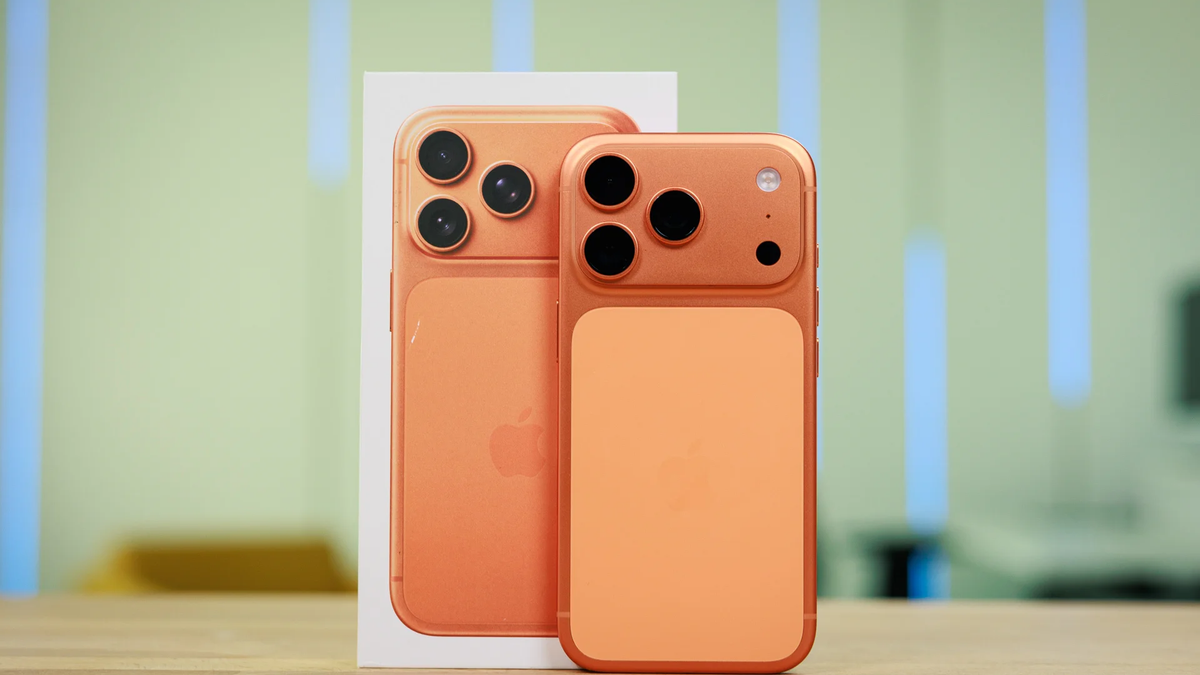
You'll benefit from this feature even if you don't have the latest iPhone! | Image by PhoneArena
It's no secret that Google is pushing hard for innovations in the AI-driven landscape. While some of its recent Gemini-powered features are aimed primarily at Android users, this newly launched app shows a rare commitment to iOS as well.
Google launches a "clean" dictation experience for iOS
A quick demo of how Google AI Edge Eloquent works on iPhones. | Video by Google
Google has quietly introduced a new app that makes it super easy for your iOS devices to understand speech and turn it into professional text. Aptly named AI Edge Eloquent, the iOS-exclusive app is essentially a dictation app. But it doesn't work like the average voice recorder.
Recommended For You
Google's app filters out stumbles and filler words automatically, relying on the Gemma AI architecture. It removes the "duh" from your sentences, giving you clean, professional transcripts. Users can access history to review previous text prompts or check out their tailored dictionary.
Which Eloquent feature do you like best?
Google AI Edge Eloquent core features
Intelligent text polish — automatically turns disorganized speech into clean, professional text, with contextual understanding to convey exactly what you mean.
Uncompromising privacy — the machine learning processing works entirely on-device, keeping your confidential conversations and personal data private. Some more advanced features might require cloud processing.
Zero-cost architecture — the app is completely free and works with no usage limits.
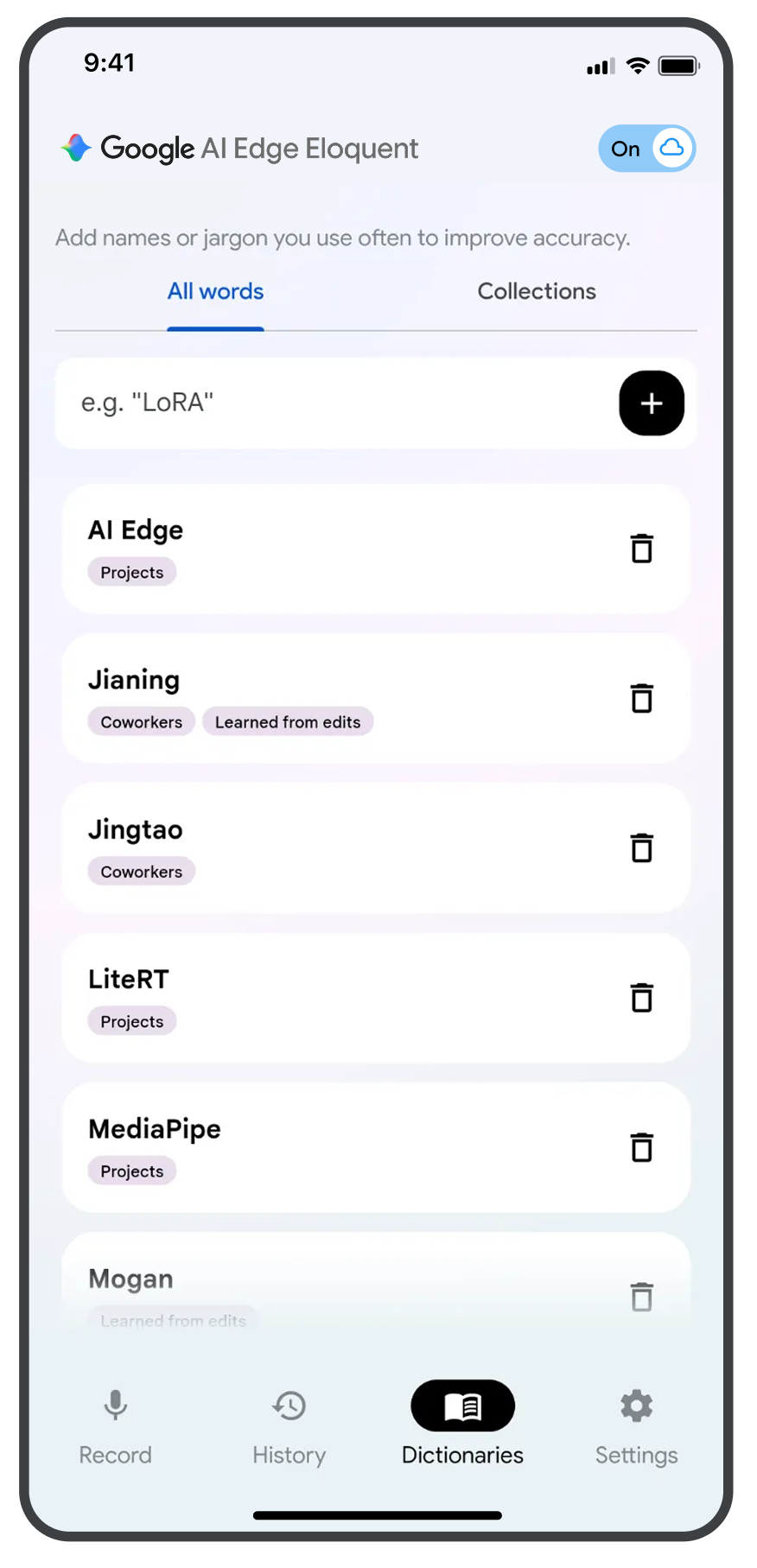
Personal context dictionary — creates an editable dictionary just for you by learning from your speech.
Seamless iOS integration — the app works with iOS 16.0 or later, macOS 13.0 or later, and Macs featuring an M1 chip or later. Google AI Edge Eloquent works with visionOS 1.0 or later; keyboard compatibility will be available soon.
Optimized performance — Google AI Edge gives you highly responsive dictation capabilities even if you don't own the latest flagship phone.
How to get the app
This is how the custom dictionary menu looks. | Image by Google
The Google AI Edge Eloquent app is already available on the App Store. The app size is 67 MB, but users might need to download additional AI files so that the text polishing features can work entirely on-device.
Users may have to log into their account in order to use Eloquent. Google explains the app could access specific data, such as your Gmail, when creating your custom dictionary with unique words and phrases.
Recommended For You
Supported languages and global availability
At the time of writing, the app works exclusively in English. What's more, it's currently restricted to most (not all) regions.
For now, the app isn't available in the UK, the EEA, and Switzerland due to regulatory approval requirements. Google claims it's working to expand AI Edge Eloquent to these regions, so stay tuned for updates.
In addition, although the app could occasionally transcribe words in different languages, multilingual support has not yet been developed. Hopefully, support for different languages will be rolled out soon.
Siri might have to settle for "second place"
It's not every day you see Google releasing a high-utility app exclusively for iOS, and this to me feels like a calculated move. For years, Apple users have been restricted to Siri’s dictation, which is unquestionably functional (at least to some extent).
Gemini could be working on replacing Siri. | Image by Google
And yet, with its ability to remove filler words as you go, Google leaves Siri in the dust. More importantly, as it runs on-device, it shows that Apple options have had advanced AI capabilities that go beyond basics like emoji generation, at least for some time.
As for the missing Android version? That seems like another well-researched move. While an Android release is likely coming, the delay could be strategic.
Pixel and Samsung devices already boast advanced (and often hardware-exclusive) text-to-speech features. It seems that Google is trying to permeate the Apple ecosystem before polishing speech-to-text features on other Android phones.
Polina Kovalakova, a News and Affiliate Content Writer, has nurtured a passion for mobile technology since the era before smartphones. With a history of exploring a variety of devices, her insights into the mobile world are both broad and nuanced. Polina's non-partisan view extends to appreciating nearly every smartphone brand, a reflection of her open-minded approach to technology. Polina is equally passionate about uncovering the best online deals, tirelessly working to ensure her readers snag top-tier tech at unbeatable prices.
A discussion is a place, where people can voice their opinion, no matter if it
is positive, neutral or negative. However, when posting, one must stay true to the topic, and not just share some
random thoughts, which are not directly related to the matter.
Things that are NOT allowed:
Off-topic talk - you must stick to the subject of discussion
Offensive, hate speech - if you want to say something, say it politely
Spam/Advertisements - these posts are deleted
Multiple accounts - one person can have only one account
Impersonations and offensive nicknames - these accounts get banned
To help keep our community safe and free from spam, we apply temporary limits to newly created accounts:
New accounts created within the last 24 hours may experience restrictions on how frequently they can
post or comment.
These limits are in place as a precaution and will automatically lift.
Moderation is done by humans. We try to be as objective as possible and moderate with zero bias. If you think a
post should be moderated - please, report it.
Have a question about the rules or why you have been moderated/limited/banned? Please,
contact us.










Things that are NOT allowed:
To help keep our community safe and free from spam, we apply temporary limits to newly created accounts: