Chrome is getting a new feature that will make your browsing much better
You should go and change your Chrome settings right away.
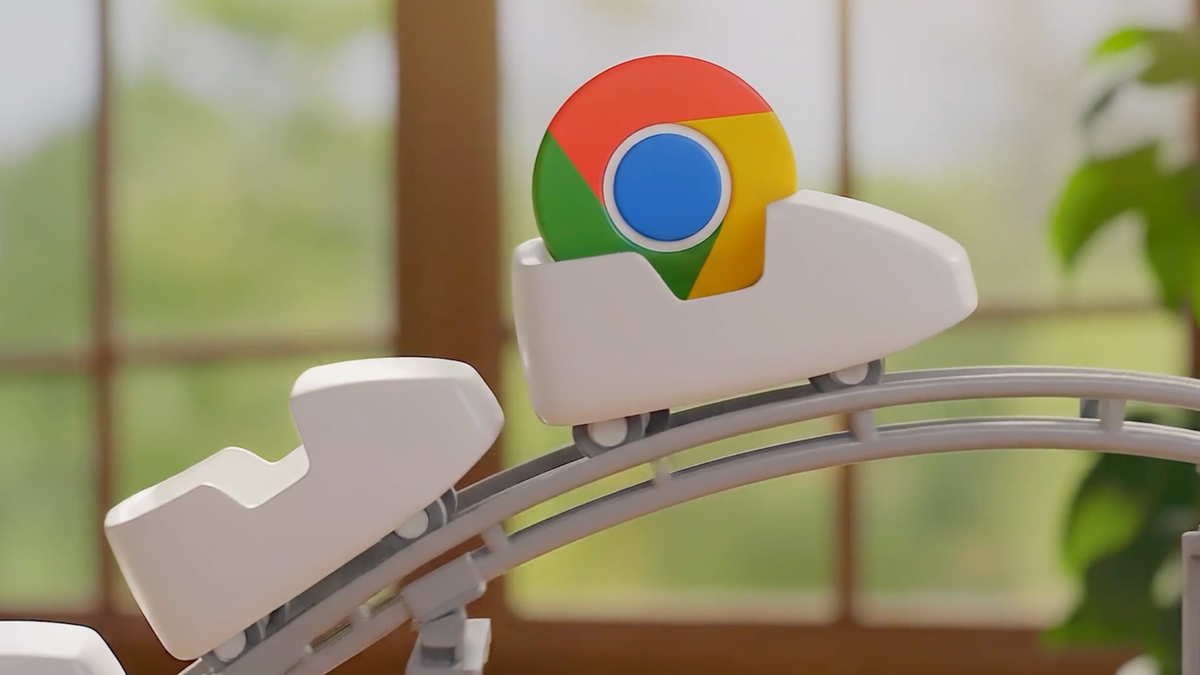
Google Chrome is getting some big upgrades. | Image by Google
Google announced two new features that could help your browsing feel much better than before. Both of them are long overdue and available in many other browsers, but they’re making their way to Chrome now and are more than welcome.
Google has finally added vertical tab support to its Chrome browser. That allows users to have all their tabs appear in a sidebar instead of in a row across the top.
Vertical tabs could be activated through the advanced settings in recent Chrome builds but are now widely available. You can activate the feature by right-clicking on any Chrome window and selecting the “Show Tabs Vertically” option.
In this new view, you get a list of tabs on the side, while the address bar moves higher in the window, leaving more of the precious vertical space for wherever you’re browsing. Navigating your tabs is made much easier, which would be appreciated by power users.
You can go even further and shrink the sidebar with the tabs so it shows only the websites’ favicons. That hides the Chrome interface almost completely, giving you a minimalist experience.
The other long-overdue feature is a new, full-page reading mode. Just like its name suggests, you can count on that mode to remove most of the things you don’t really need to see on a website, getting pages that are easier to read.
Google said that the new mode can be activated by right-clicking on a page and selecting “Open in reading mode.”
Vertical tabs aren’t anything new among modern web browsers. They were made popular through Arc by The Browser Company, which has an even more minimalistic approach.
Unlike Google’s implementation, Arc puts the address bar inside the vertical sidebar, which leaves even more space and looks better. That allows you to use your horizontal screen more efficiently, leaving more space for the vertical webpages we scroll through day after day.
I started using Arc, attracted by some of its other features, but I’ve stayed with it for years largely because of its vertical tabs. Navigating through them is much easier and more efficient.
Of course, now Google needs to also copy Arc’s Spaces feature, and I may return to Chrome full-time.
Chrome has vertical tabs now
Google has finally added vertical tab support to its Chrome browser. That allows users to have all their tabs appear in a sidebar instead of in a row across the top.
Vertical tabs could be activated through the advanced settings in recent Chrome builds but are now widely available. You can activate the feature by right-clicking on any Chrome window and selecting the “Show Tabs Vertically” option.
Video by Google
Reading mode lands in Chrome
The other long-overdue feature is a new, full-page reading mode. Just like its name suggests, you can count on that mode to remove most of the things you don’t really need to see on a website, getting pages that are easier to read.
Video by Google
Google said that the new mode can be activated by right-clicking on a page and selecting “Open in reading mode.”
Catching up
Vertical tabs aren’t anything new among modern web browsers. They were made popular through Arc by The Browser Company, which has an even more minimalistic approach.
What web browser do you use?
Unlike Google’s implementation, Arc puts the address bar inside the vertical sidebar, which leaves even more space and looks better. That allows you to use your horizontal screen more efficiently, leaving more space for the vertical webpages we scroll through day after day.
Trust me and try this feature
I started using Arc, attracted by some of its other features, but I’ve stayed with it for years largely because of its vertical tabs. Navigating through them is much easier and more efficient.

Follow us on Google News











Things that are NOT allowed:
To help keep our community safe and free from spam, we apply temporary limits to newly created accounts: