Android 17 Beta 3 is released with new features and bug fixes including one you were waitng for
A Pixel feature broken by a previous Android 17 Beta is now working once again.
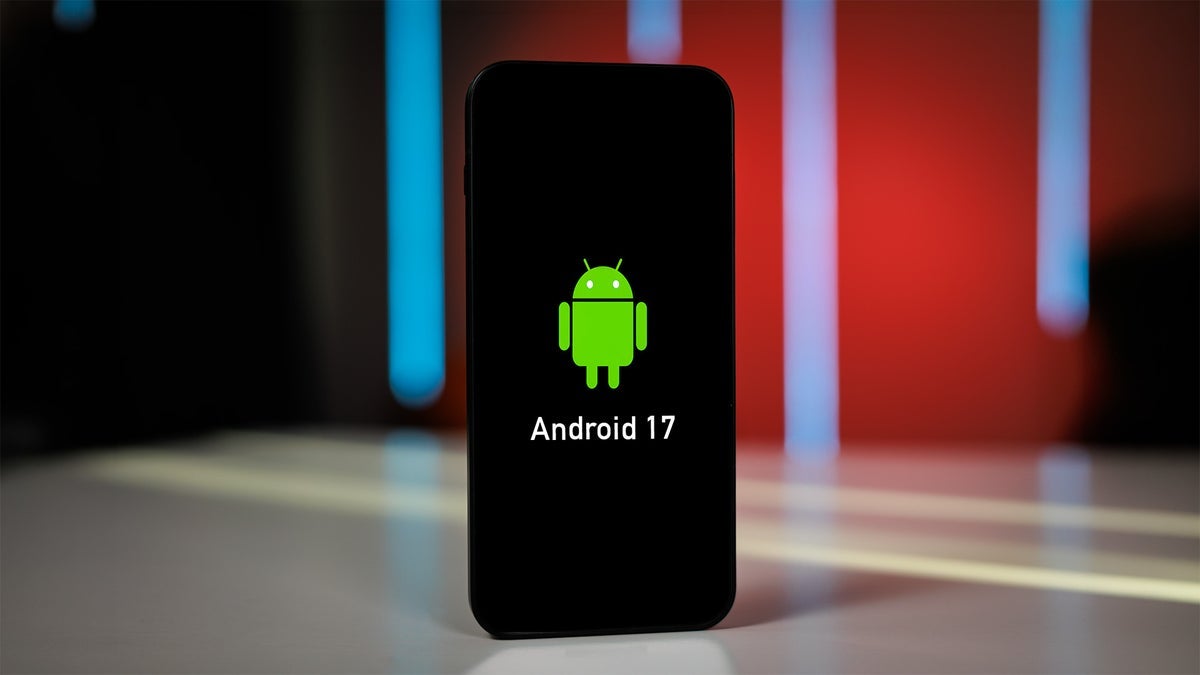
Google releases Android 17 Beta 3. | Image by PhoneArena
Google released Android 17 Beta 3 today and the update brought back the ability to say "Hey Google" to call up the Gemini overlay so you can quickly ask a query or request that a task be done. On the first day of this month, we told you that this feature had apparently been broken by an Android 17 Beta update. Now that I can once again use the "Hey Google" hotword and have the Gemini prompt open, I no longer need to long-press the power button to get Gemini to do anything for me.
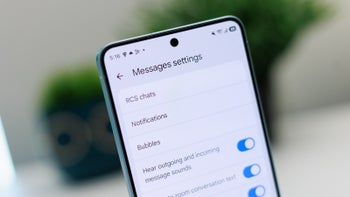
The App Bubbles feature, announced in the previous Beta release, is now available in Android 17 Beta 3
If you are on the Android 17 Beta program, direct your Pixel to go to Settings > System > Software updates > System update. Follow the directions. Once that is done, open the Gemini app and tap on the Profile icon in the upper right corner. Tap on Settings > Talk to Gemini hands-free. Make sure that the toggle shows that the feature is enabled. When you say "Hey Google," the prompt should appear at the bottom of the screen.

The genius multitasking feature App Bubbles are now available in Android 17 Beta 3. | Image by PhoneArena
Another change that arrived with Android 17 Beta 3 brought back the Search bar in the Pixel Launcher that was there in Android 17 Beta 1. In Android 17 Beta 2, Google brought back the Pixel Launcher Search Bar that had a ring around it that deployed a color theme from the user's wallpaper. The AI mode icon was placed in a separate circular container at the end of the bar. But once again, Google has made a change. The Google "G" icon and the background of the bar is a color taken from the user's wallpaper. AI mode is now inside the Search bar, and the Material 3 Dynamic Color ring around the search bar is once again gone.

Wi-Fi and Internet now have separate toggles in Quick Settings. | Image by PhoneArena
Announced in Beta 2, App Bubbles are now available in Android 17 Beta 3. A genius multitasking system, long-press the icon of any app on the home screen and on the menu that pops up, click on "Bubble." This turns the app into an app icon bubble that the user can move anywhere around the page. When you need to get back into the app, tap on the bubble, and it opens a small resizable window giving you access to the app.
The Screen Recorder feature now has a new look
On Android 17 Beta 3, Pixel users can now adjust the volume of their assistant, whether it be Gemini or Google Assistant, independently using a separate Assistant volume control. If you want to show the name of each app underneath every icon, go to Wallpaper & style > Icons > Names. At the bottom of the page you can toggle on or off "Show app names." Additionally, widget panes have a blurred background. In Quick Settings, to avoid confusion, Wi-Fi and Internet toggles will be separated. They were combined in Android 12 to prevent Android users from accidentally disconnecting their phones.
Gemini and Google Assistant now have their own volume control. | Image by PhoneArena
Many bugs were exterminated in the update
The update adds a new look for those who like to record their own screens. A large number of different bugs were exterminated in the update. That includes these:
- Resolved an issue where incoming phone calls did not set off trigger device vibration.
- Fixed an issue that allowed Battery Saver to remain active indefinitely when an 80% charging limit was enabled.
- Fixed an issue over display rendering that caused visual artifacts to appear when interacting with Google Message notifications from the lock screen.
- Fixed an issue where notifications occasionally would not disappear or reappeared.
- Fixed a rendering issue that caused visual artifacts to appear during back-navigation transitions.
- Fixed an issue causing the random disappearance of the system status bar icons, which prevented users from seeing battery or network levels.
- Resolved a system instability causing devices to hang and eventual reboots.
- Fixed a camera failure that prevented users from switching to the 5x telephoto lens.
- Resolved behavior like stuttering and other erratic actions that took place during transitions from ultra-wide to wide lens.

Follow us on Google News






Things that are NOT allowed:
To help keep our community safe and free from spam, we apply temporary limits to newly created accounts: