Korean and Chinese support and more in the Google Keyboard 7.0.2 beta
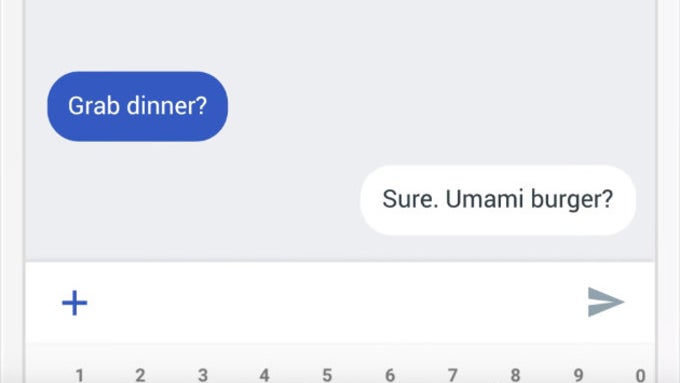
Google Keyboard (a.k.a. the Gboard) 7.0.2 beta is now rolling out, bringing users a handful of features, including support for Korean and Chinese languages and the option to search GIFs/stickers/emojis in a single search bar.
The first new feature the Gboard beta brings us is the 'Search All Media' bar. The option allows to search between emojis, GIFs, and stickers at the same time by typing a keyword in the new search bar. For example, if you type "smile", all emojis, GIFs, and stickers, that include the keyword, will appear on your screen. To access the new search bar, press the emoji icon and then the magnifying glass on the bottom of the keyboard.
While you could search emojis/GIFs/stickers before, now you can do it at once!
Next we have the added support for Chinese and Korean. Those were added back in the Gboard 6.7 beta, but were removed before the version hit live. Still, it seems like they've finally made it through and can be selected from the Languages menu inside the app. You also have the option to customize the languages to your liking, for example switching between keyboard styles or enabling/disabling English word suggestion.
Chinese and Korean are now supported by Gboard
Gboard 7.0.2 beta also adds the option to quickly swap between a set of keyboard types, for example one regular and one for handwriting.
In the new Gboard version you'll have the option to set multiple keyboards to swap between
via 9to5google

Follow us on Google News








Things that are NOT allowed:
To help keep our community safe and free from spam, we apply temporary limits to newly created accounts: